
How to find your iron or steamer model number
Locate the rating plate, copy the full model reference and match it to the right manual or spare part. Includes Philips, Tefal and Russell Hobbs examples.
Make the appliance safe to inspect
Switch off, unplug and let the appliance cool fully before looking at its underside or moving a removable tank. Follow the manual's emptying and handling instructions. A generator base or upright tank can retain water, so plan how to inspect it without tipping water into the casing or onto the floor.
Start with a phone photograph if the plate is awkward to read. A mirror or a view from the side may let you read it without turning the whole unit over. Keep any carrying lock or handle use within the appliance instructions. If the label remains inaccessible without dismantling the body, ask the maker where to look.
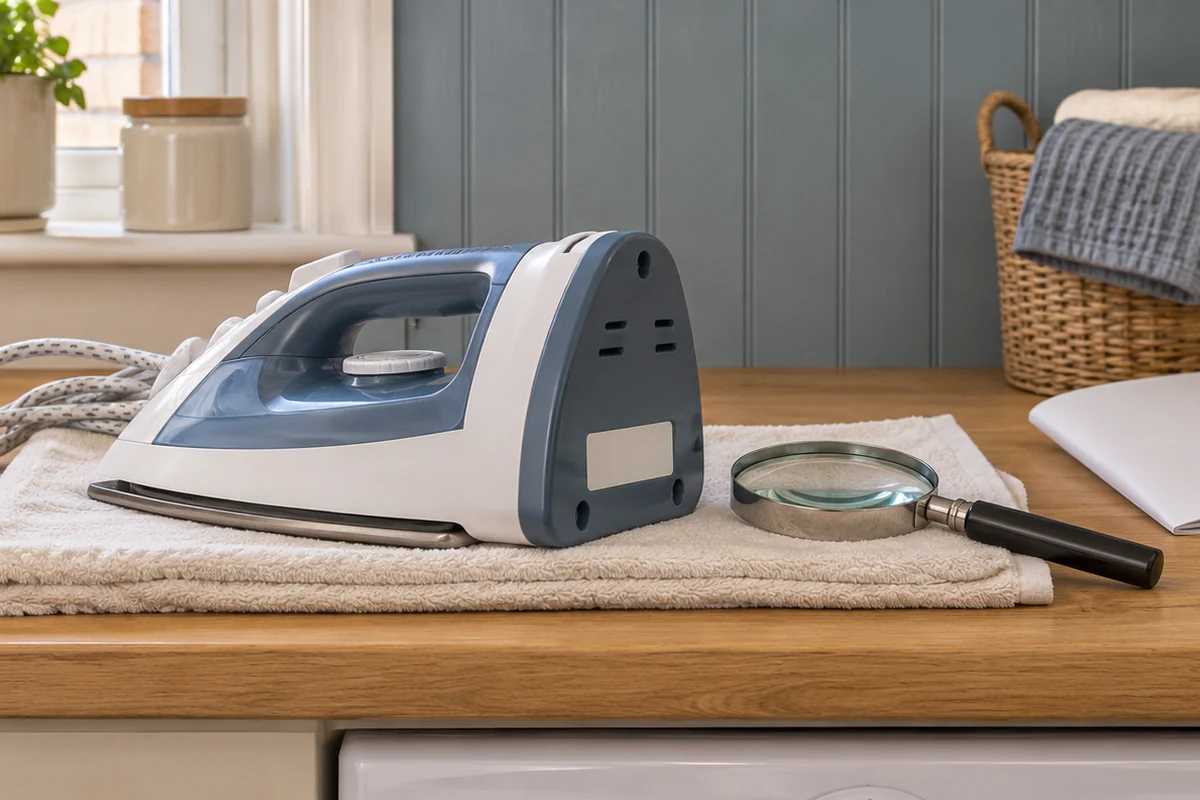
The rating plate is the label that carries the electrical information along with product identifiers. It may be printed, moulded or attached as a small sticker. Look around the heel, underneath the base, behind a removable tank or at the place the maker's identification guide shows. Location varies within brands.
Copy the field names with the numbers
A label can contain several codes close together. Find the word model, type, reference or product number, then copy the full value next to it. Record a serial or production code separately. A photograph of the complete plate lets support read the field names if one number is ambiguous.
Scroll sideways to compare the identifiers and where they help.
| Identifier | What to record | Where it helps |
|---|---|---|
| Model or product reference | The full value, including slash or letter ending | Finding a manual and checking the appliance version |
| Serial or production code | The code with its printed field name | Manufacturer service, warranty and production questions |
| Spare-part reference | The maker's number for the specific replacement | Checking the correct component and compatibility |
| Retail listing identifier | The shop's item number, such as an Amazon ASIN | Finding the listing or purchase record |
A retail page may describe a family of appliances or several selectable variants. Compare its model field with your plate rather than relying on a photograph or colour. If you have the purchase record, use it to confirm the unit you selected, then keep the appliance reference as the starting point for care instructions.
Use the brand's identification guide
Philips. Its household identification guide shows positions that vary by product. Its handheld steamer maintenance page lists possibilities including under the water tank, behind the handle or beneath the head. Remove a tank only as the model instructions permit. Copy a reference such as STH3000/26 or GC7842/46 in full, including the digits after the slash.
Tefal. Its support pages ask for a product reference made up of letters and numbers, often found on the back. Examples include DT8250G0 and FV5696G0. Check the actual plate on your appliance before selecting a similar-looking support result. If there is a longer technical reference, photograph that too and include it when asking about a part.
Russell Hobbs. The 28370 instructions direct readers to the rating plate, usually underneath the appliance, when contacting service. The front of its manual also carries 28370. A range name such as Steam Genie can apply to several products, so use the number on the appliance when choosing instructions.
If the appliance and the paperwork show different references, pause before using a maintenance procedure. Check whether the booklet covers multiple versions and whether yours is listed. Ask support if the match is unclear.
Check the manual before following a procedure
Use the maker's support site and compare the result with your complete reference. Open the manual and look for its list of covered models or its front-page code. Check that the tank, controls and supplied maintenance parts match the appliance in front of you.
A series manual can cover several models when the maker lists them together. Read notes marked “depending on model” and use only the parts that apply. If the page describes a tray but your appliance has a drain knob, find the correct instructions before starting descaling. The water guide shows why similar-looking appliances can have different filling advice.
If the unit came from a second-hand sale, the box or supplied booklet may belong to a related version. Match the physical plate before relying on those papers. A maker can also help if the serial field is readable but part of the model field has worn away.
Save the correct manual with a photograph of the plate. Keep the original file name or add the model to the saved title so you can find it the next time a light or maintenance reminder appears.
Match a replacement part separately
Once the appliance is identified, find the maker's reference for the component you need. A water tank, cap or attachment can have its own part number. Check the compatibility list against the full appliance reference and look for any additional version note.
Compare how the part attaches, the seal position and the maker's fit information. A similar shape or colour gives you less certainty than an explicit model match. If the listing has a shortened model number, ask the maker or seller to confirm the complete version before ordering.
When contacting support, include the model, plate photograph, component name and the symptom or reason for replacing it. For a fault, add the indicator pattern and the steps already tried. A clear description helps support tell you whether a replacement component or a service assessment is appropriate.
Manufacturer identification guides
Frequently asked questions
Where is the model number on a steam iron?
Check the maker’s identification guide. The rating plate may be underneath or near the heel. Unplug, cool and empty or handle the iron as its instructions direct before moving it to look.
Is the serial number the same as the model number?
They identify different things. The model names the appliance version, while a serial or production code helps identify a particular unit or production run. Copy the field names with the numbers if you are unsure.
Do the letters at the end of a Tefal reference matter?
Use the complete reference shown on the appliance. Tefal support identifies products by references such as DT8250G0. Ask the maker if a parts or manual page lists a shorter or different ending.
What do the numbers after the slash on a Philips model mean?
Keep them when searching. Philips asks readers to choose the last two digits when selecting model support. For example, GC7842/46 is a more specific reference than GC7842.
What if the label is damaged or missing?
Check the original manual, packaging, registration and receipt for the full reference. Send the maker photographs of the appliance and any readable label fields so it can help identify the version.